
Alerts that warn you before it gets expensive
Pulzeo watches your accounts around the clock and flags anomalies, unusual swings and anything that needs your attention, as soon as it shows up.
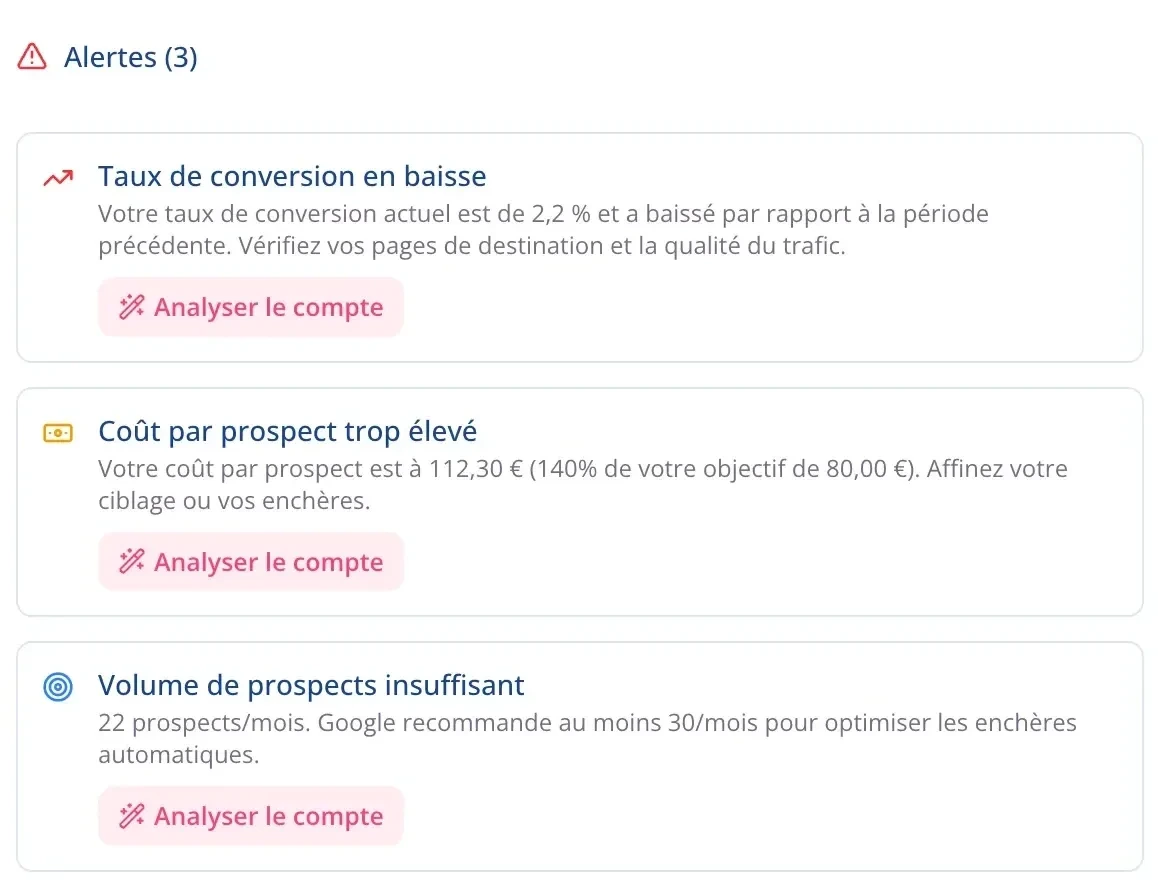
Every alert tells you where the problem comes from
A warning light is useless if you then spend half an hour investigating. Every alert names the campaign, quantifies the change and gives the likely cause. The diagnosis is already done when you open it.
- Three levels: critical, worth watching, informational.
- The campaign is named, with what it’s costing you.
A problem caught early costs you less
A campaign spending without converting doesn’t stop by itself. Caught in the first week, it costs you a couple of hundred dollars. Found at month-end, it has burned through several thousand. That’s the whole point of real-time alerts.
What Pulzeo watches for you
Spend with nothing to show
A campaign eating budget without recording a conversion is flagged, with the amount already spent.
Acquisition cost creeping up
An unusual rise in cost per conversion is compared with the previous period, so you catch it early.
Volume dropping
Conversions, clicks or impressions falling: the alert reaches you before the month is lost.
Forgotten campaigns
A campaign paused for weeks, or running without producing anything useful, surfaces as an alert instead of sitting forgotten in the account.
The account’s health
Alerts also come from the health score: profitability, volume, structure, goals. They adapt to the type of business you selected.
The Monday morning summary
One email recaps every account at the start of the week. What’s critical always comes first.
14-day free trial
Stop losing budget
Connect an account and get warned as soon as a campaign slips and starts wasting budget. No credit card required. Cancel anytime.
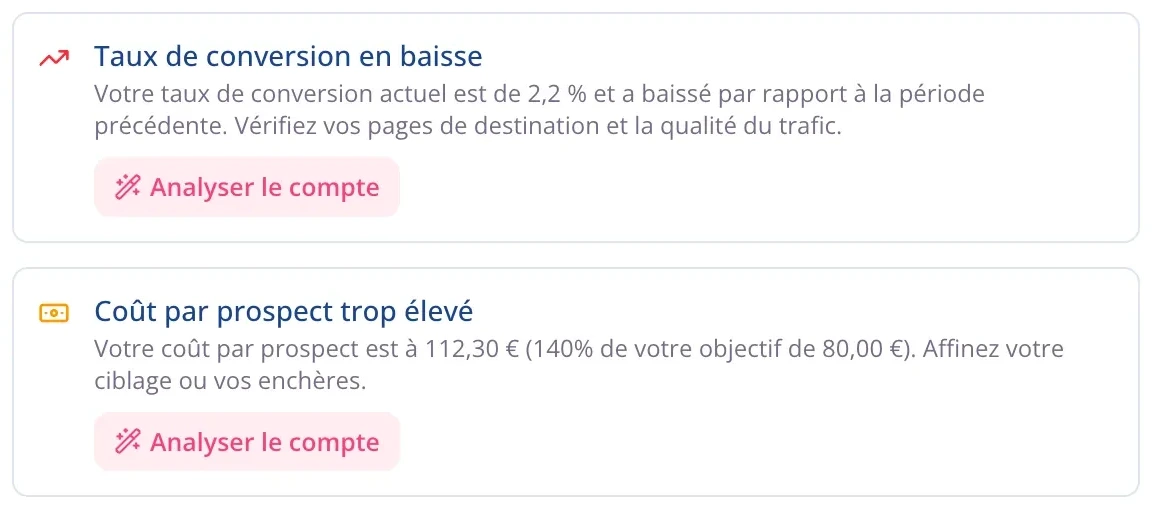
Critical alerts reach you by email
You don’t need to open Pulzeo to know an account is in trouble. Anything ranked critical is emailed to you, and a weekly summary covers all your accounts on Monday.
- A daily email for critical alerts.
- A summary of every account on Monday.
No noise, or you’d stop trusting it
A tool that cries wolf gets ignored, and the day it’s right nobody reads it. Thresholds take the type of campaign, the volume and the period into account, so that red means something.
- Thresholds calibrated to the account’s type of business.
- A low-volume campaign doesn’t trigger an alert over every little wobble.
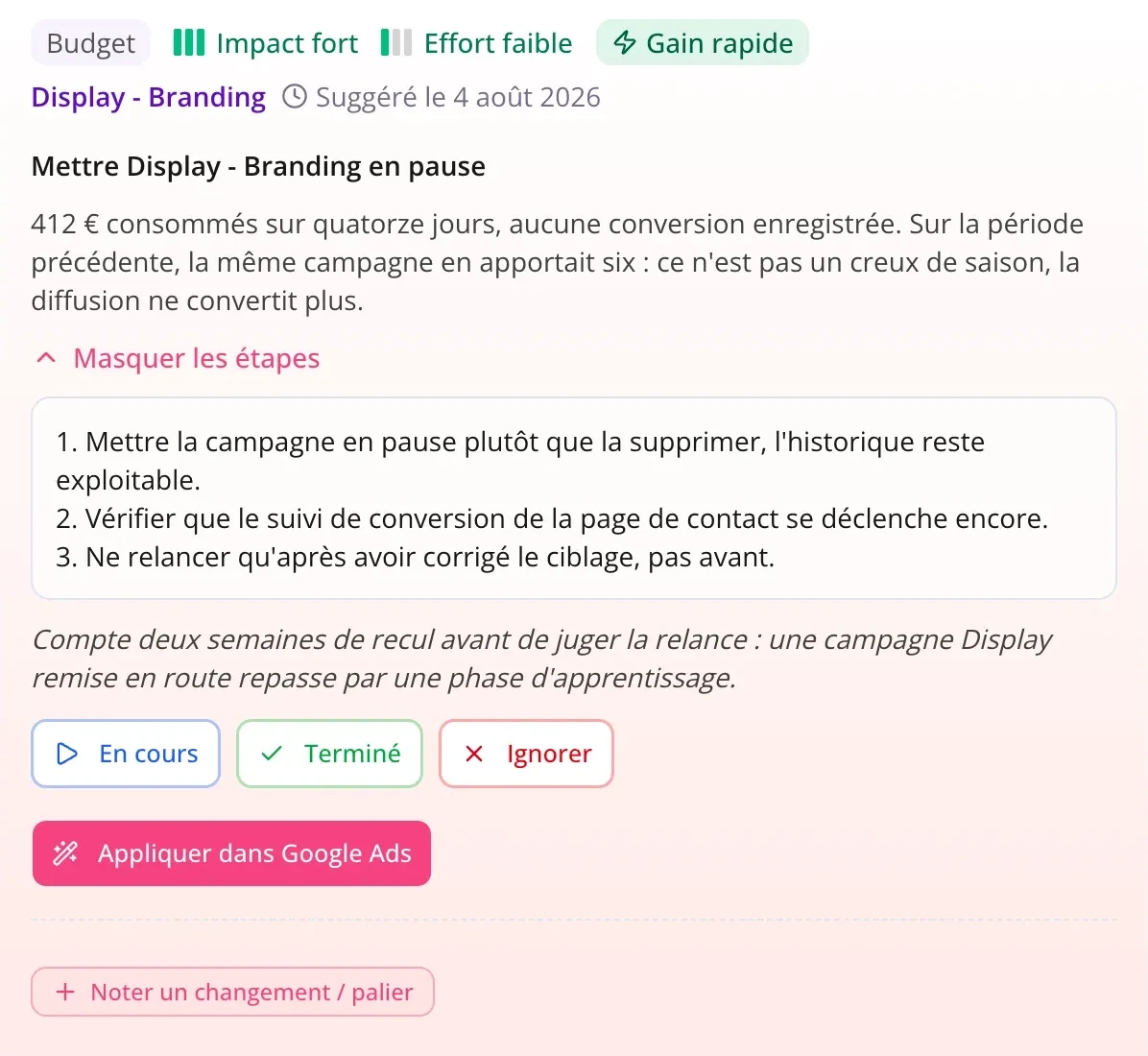
From the alert to the fix
An alert is only useful if it leads somewhere. From the alert you open the campaign, and Zeo’s action plan tells you what to do, step by step.
- The alert links straight to the campaign involved.
- Fixes are ranked by gain and effort.
Questions about Pulzeo alerts
How often are accounts checked?
Automatically every day, using the previous day’s finalized data. You can also run a manual sync on any account whenever you want.
Will I get alerts all day long?
No. Alerts live in the app, and only the ones ranked critical trigger an email. A weekly summary covers all your accounts on Monday. You can also choose which notifications reach your inbox.
Can I set the thresholds myself?
Thresholds are calibrated automatically based on the account’s type of business, your business profile, its volume and the period. There are no rules to write and no conditions to configure.
Do alerts work on every campaign type?
Yes, across every campaign in the connected account. The thresholds, though, weigh many factors: nobody expects the same numbers from a brand awareness campaign and a search campaign.
What if an alert is wrong?
Every alert shows the numbers behind it and names the campaign, so you can judge it in seconds instead of trusting a warning light. Alerts are recalculated at every sync, so one whose cause is gone doesn’t come back.

Your Google Ads copilot is ready.
Zeo will analyze your accounts, quickly spot the optimizations that matter and prepare your client reports.
- 14-day free trial
- No credit card required
- Cancel in one click
